
Download MP3 Player – Free Android MP3 & Audio Tool
Overview
MP3 Player is a lightweight, free desktop application designed for Android devices, developed by Accountstudio. The software falls under the MP3 & Multimedia Apps category, specifically targeting audio playback and music library management. It is intended for users seeking a straightforward and reliable way to play audio files on their Android smartphones or tablets. The app supports all major audio formats, making it a versatile choice for individuals who store music in various file types. Its core purpose is to provide seamless playback with minimal system resource usage, ideal for everyday listening.
Target users include casual listeners, music enthusiasts, and anyone who values simplicity and efficiency in their audio experience. The app’s interface is designed to be intuitive, allowing users to quickly access their music library, create playlists, and adjust playback settings. It is particularly suited for those who prefer a no-frills player without the complexity of advanced features. Real-world usage scenarios include commuting, studying, or relaxing at home, where reliable audio playback is essential.
Accountstudio has maintained the app since its initial release in 2017, with the latest version, 1.2.8, published on March 6, 2017. The developer did not provide additional information about their background or development philosophy. The app is available in English, Spanish, and German, enhancing accessibility for a broader audience.
Key Features & Capabilities
- Multi-format audio support – Plays all major audio formats, ensuring compatibility with diverse music libraries.
- Playlist creation and management – Allows users to organize songs into custom playlists for personalized listening sessions.
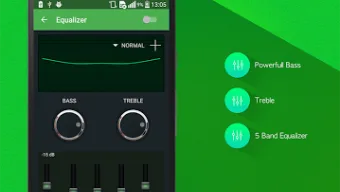
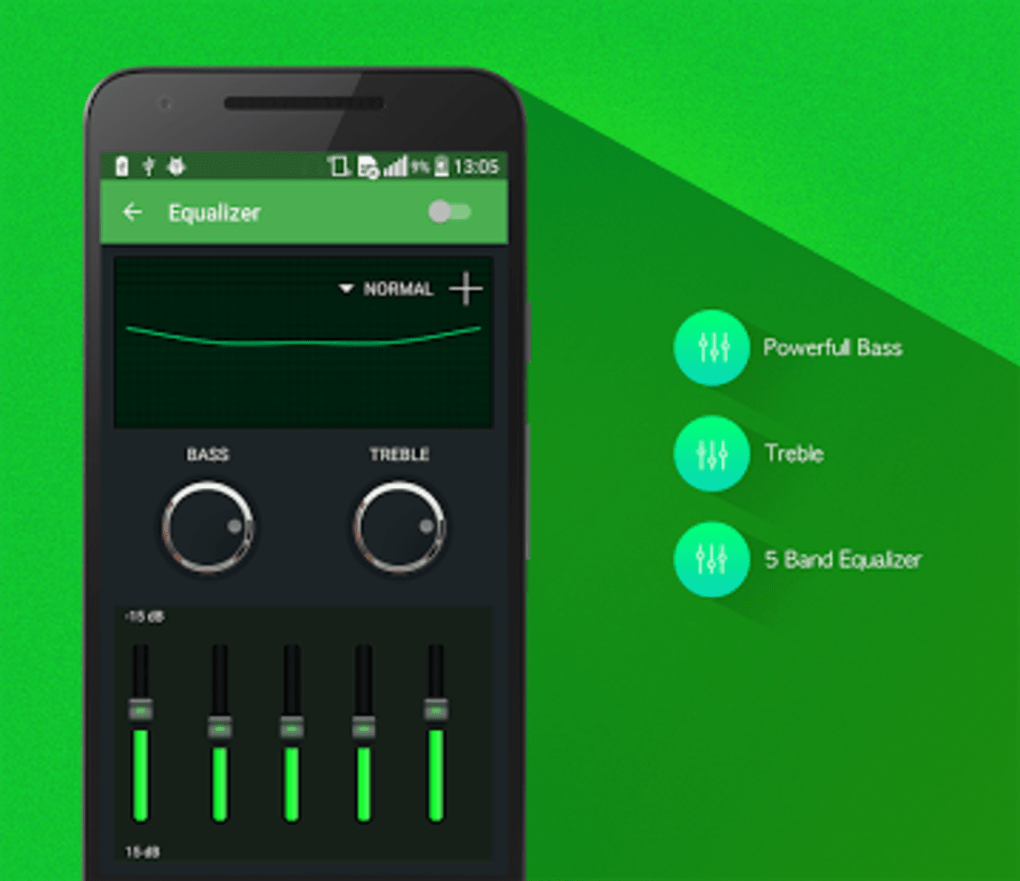
- Built-in equalizer – Offers adjustable sound profiles to tailor audio output to user preferences or listening environments.
- Sleep timer – Enables automatic playback termination after a set duration, ideal for bedtime listening.
- Repeat mode – Supports single-track or entire playlist repetition for continuous playback.
- Simple, intuitive interface – Designed for ease of use, minimizing the learning curve for new users.
- Lightweight design – Optimized to use minimal device resources, preserving battery life and performance.
These features collectively enhance the user experience by offering flexibility and control without overwhelming the interface. For example, the built-in equalizer allows users to boost bass or treble based on their audio setup, while the sleep timer helps prevent accidental overnight playback. Playlist management simplifies access to favorite tracks, and repeat mode is useful during workouts or focused work sessions. The app’s lightweight nature ensures smooth operation even on older Android devices.
User Interface, Workflow & Performance
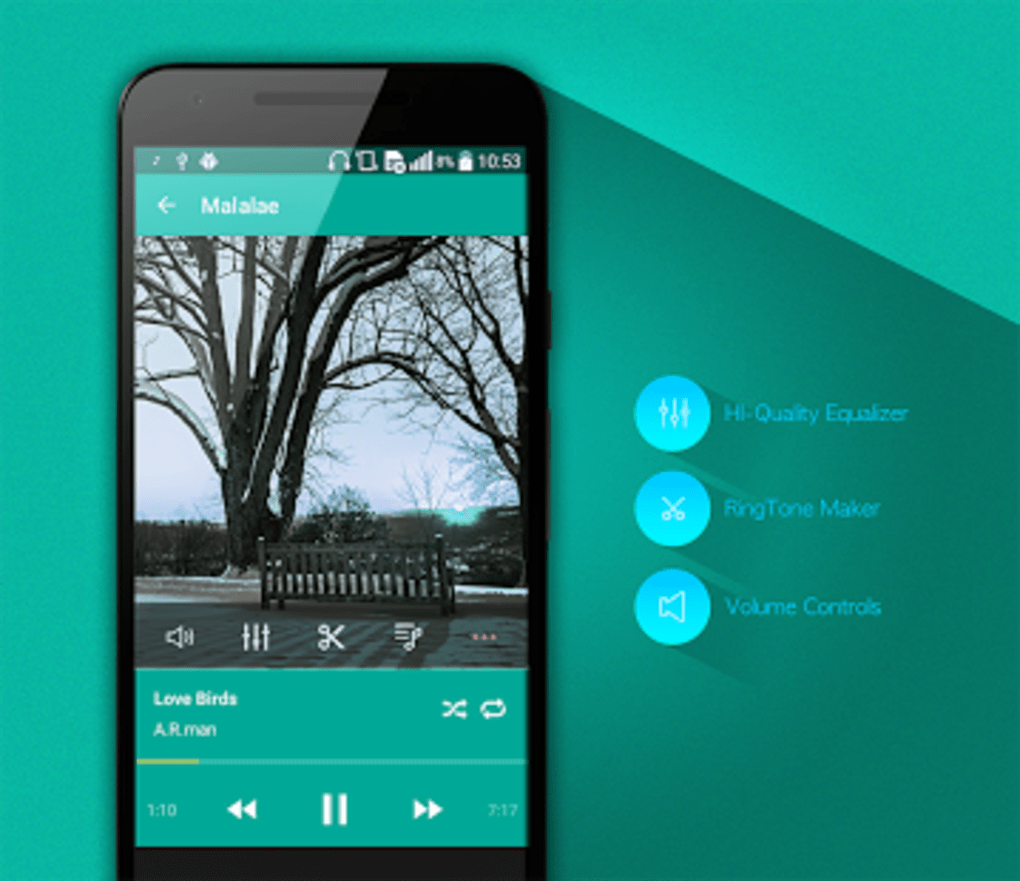
The user interface of MP3 Player is designed with simplicity in mind, featuring a clean layout that prioritizes essential playback controls. Navigation is straightforward, with main functions such as file browsing, playlist access, and settings located within a logical menu structure. The app uses minimal visual clutter, allowing users to focus on their music without distractions.
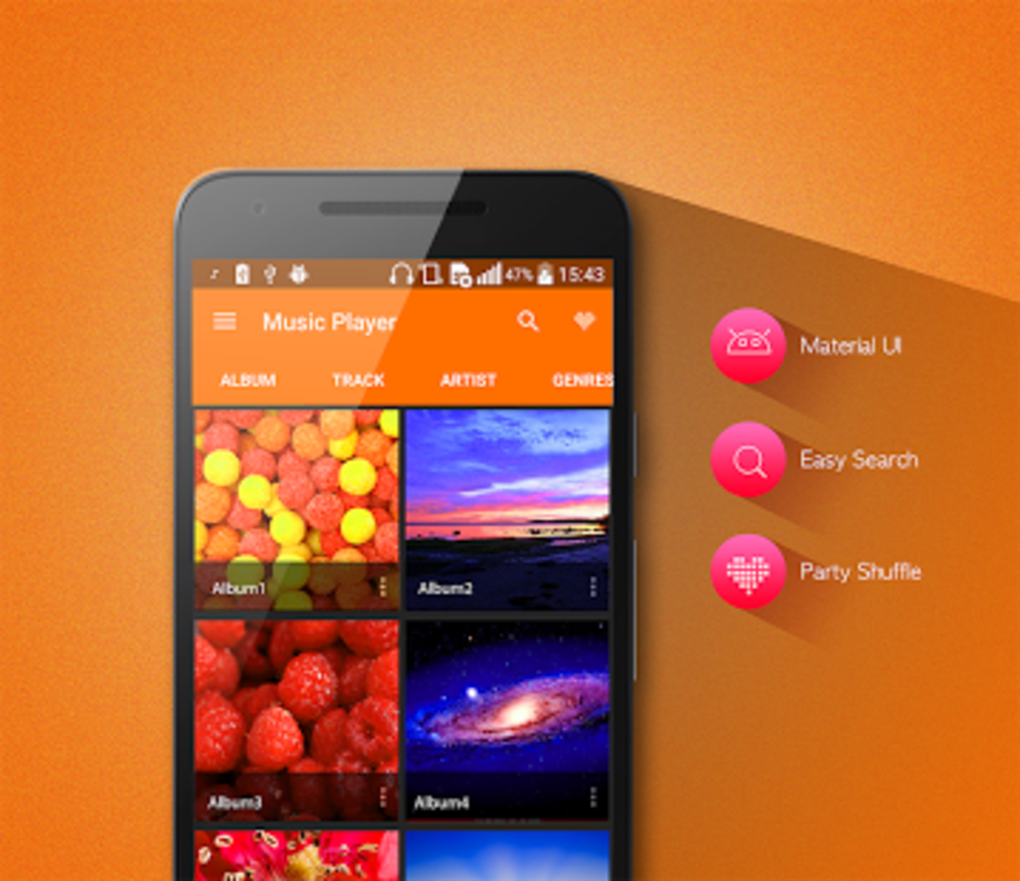
Workflow efficiency is enhanced by direct access to the device’s music library, with quick loading times and responsive touch controls. Users can browse files by folder, artist, album, or track name, depending on their organizational preferences. The app supports basic file operations such as adding, removing, or reordering tracks within playlists.
Performance observations are based on general software behavior patterns. The developer did not specify resource usage details, but the app is described as lightweight and efficient. It is designed to operate smoothly without significant CPU or RAM consumption.
Stability is maintained through consistent updates, with the last version released in 2017. The app is rated 4.3 out of 5 by users, suggesting a reliable experience for most users. However, no performance benchmarks or real-world usage data were provided.
Compatibility & System Requirements
MP3 Player is compatible with Android 4.3 or later, ensuring broad accessibility across a wide range of devices. The app is available exclusively for Android, with no information provided about other operating systems. The installation size varies depending on the device and the user’s media library, as the app’s footprint is influenced by cached data and user content.
Exact system requirements were not listed. The developer did not specify minimum CPU, RAM, or storage thresholds. However, the app is described as lightweight and optimized for performance, suggesting it can run efficiently on devices with modest hardware. The app supports multiple languages, including English, Spanish, and German, improving usability for international users.
Pros and Cons
Pros
- Free to download and use with no hidden costs
- Supports all major audio formats for broad compatibility
- Simple, intuitive interface ideal for beginners
- Lightweight design with minimal system resource usage
- Includes useful features like sleep timer and repeat mode
- Available in multiple languages for global accessibility
Cons
- Latest version released in 2017, indicating limited recent updates
- No information on modern Android features or API compatibility
- Installation size varies and is not fixed
- Platform is limited to Android only
- Performance data and resource usage details were not provided
FAQ Section
Is MP3 Player safe to download and use?
Yes, the app is reported to be safe and secure, with no viruses or malware detected. It is free to download and use on Android devices.
Does MP3 Player support all audio file types?
The app supports all major audio formats, ensuring compatibility with common music files such as MP3, WAV, AAC, and FLAC.
Can I use MP3 Player offline?
Yes, the app functions entirely offline once installed. No internet connection is required for playback or library management.
Is MP3 Player available for Windows or Mac?
No, the app is only available for Android devices. There is no version for Windows, Mac, or other operating systems.
How often are updates released?
The latest version, 1.2.8, was published on March 6, 2017. Since then, no updates have been released, which may affect compatibility with newer Android versions.
Final Thoughts + CTA
MP3 Player offers a reliable, no-frills solution for Android users seeking a simple and efficient audio playback experience. Its lightweight design, multi-format support, and essential features like playlist management, sleep timer, and repeat mode make it a solid choice for everyday listening. While the app’s last update dates back to 2017, its core functionality remains effective for users who prioritize ease of use over modern enhancements.
It is particularly well-suited for individuals with older Android devices or those who prefer a minimalistic player without unnecessary features. The app’s free availability, multilingual support, and safe reputation add to its appeal. However, users should be aware that the lack of recent updates may impact long-term compatibility.
For anyone looking for a straightforward, secure, and free MP3 player on Android, this app delivers on its promise. Download MP3 Player now to enjoy your music with simplicity and reliability.






.png)
